Getting started
Set up your account, connect your calendar, and get your Envoy ready to work.

1. Sign in to Ask My Envoy
Use your Google or Microsoft account, or sign in with email.
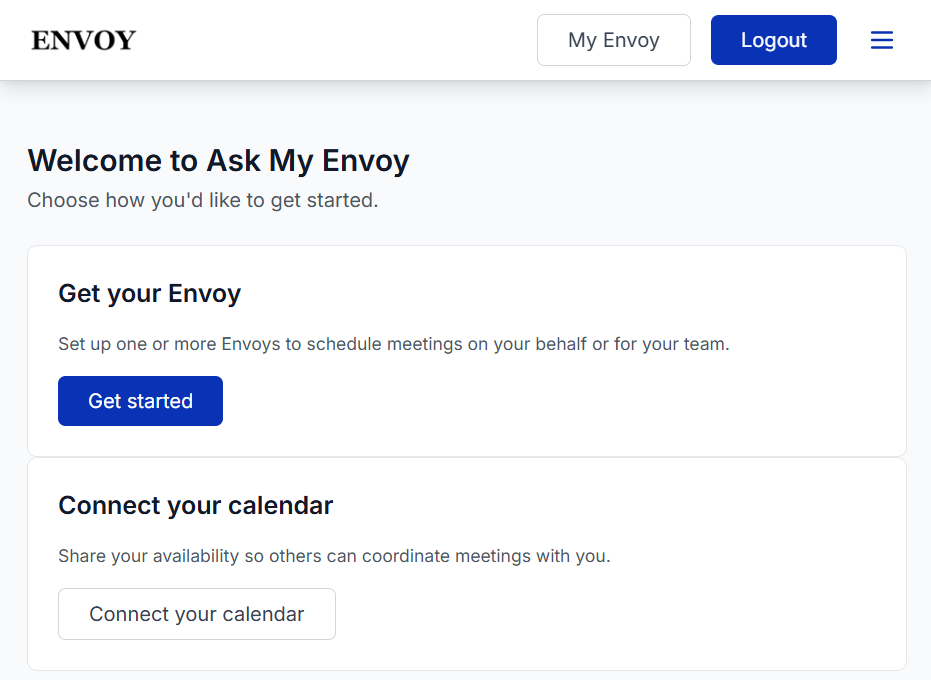
2. Choose how you want to start
Get your own Envoy, or simply connect your calendar so someone else's Envoy can coordinate with you.
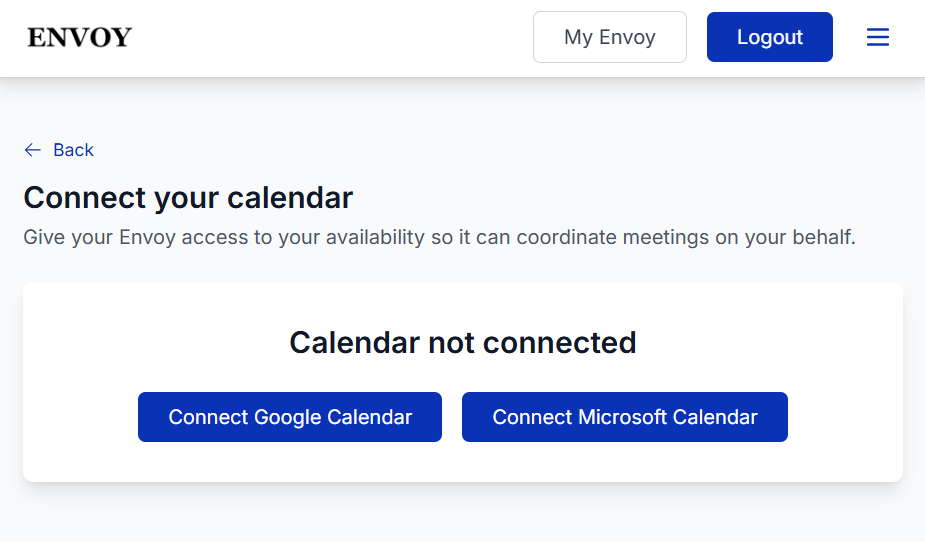
3. Connect your calendar
Choose Google Calendar or Microsoft Outlook and make your availability accessible for scheduling through Ask My Envoy.
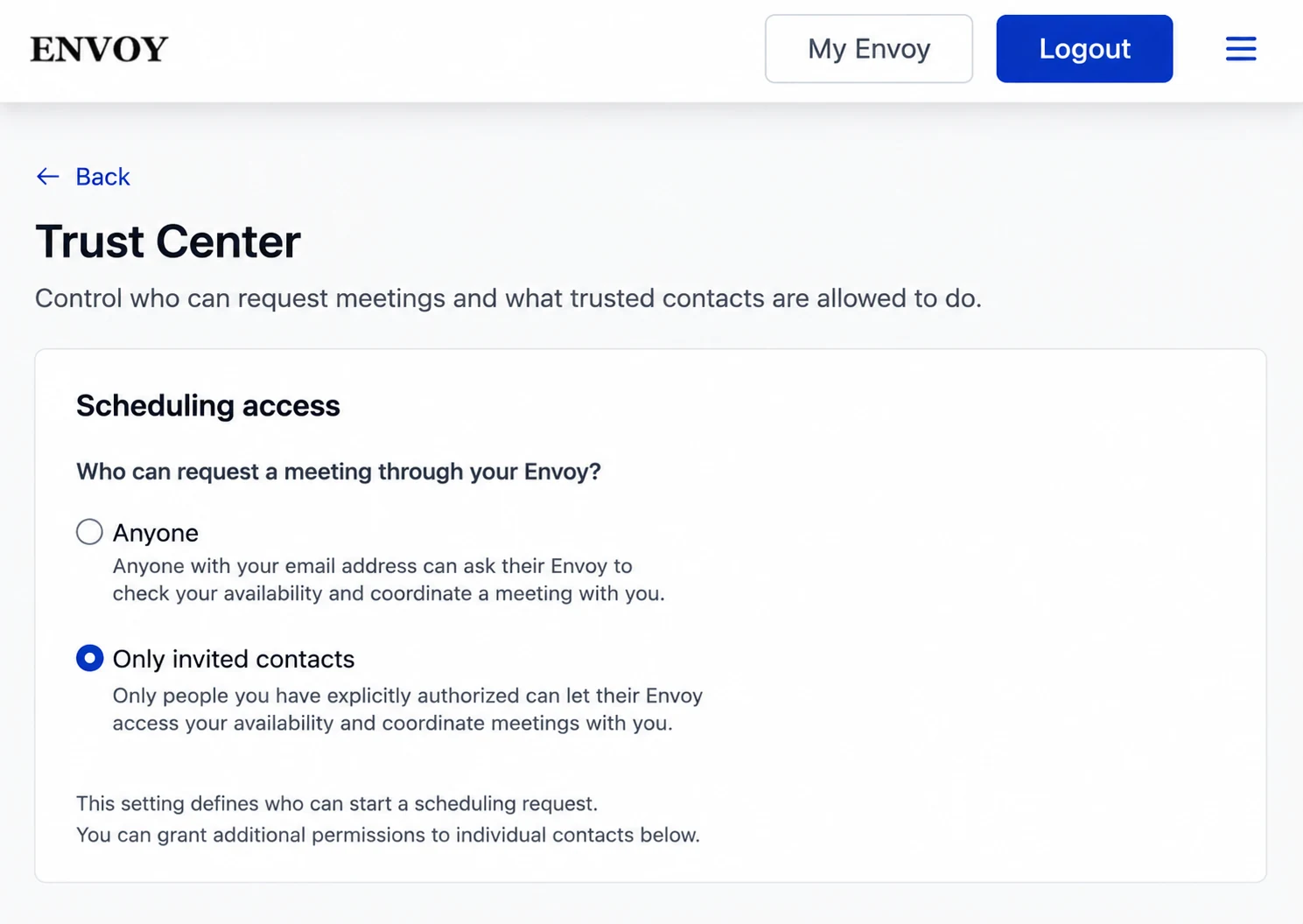
4. Control who can coordinate with you
Open the menu, then go to My Space -> Trust Center.
By default, only invited contacts can access your availability. If someone wants their Envoy to coordinate meetings with you, they send you an access request and you decide whether to approve it.